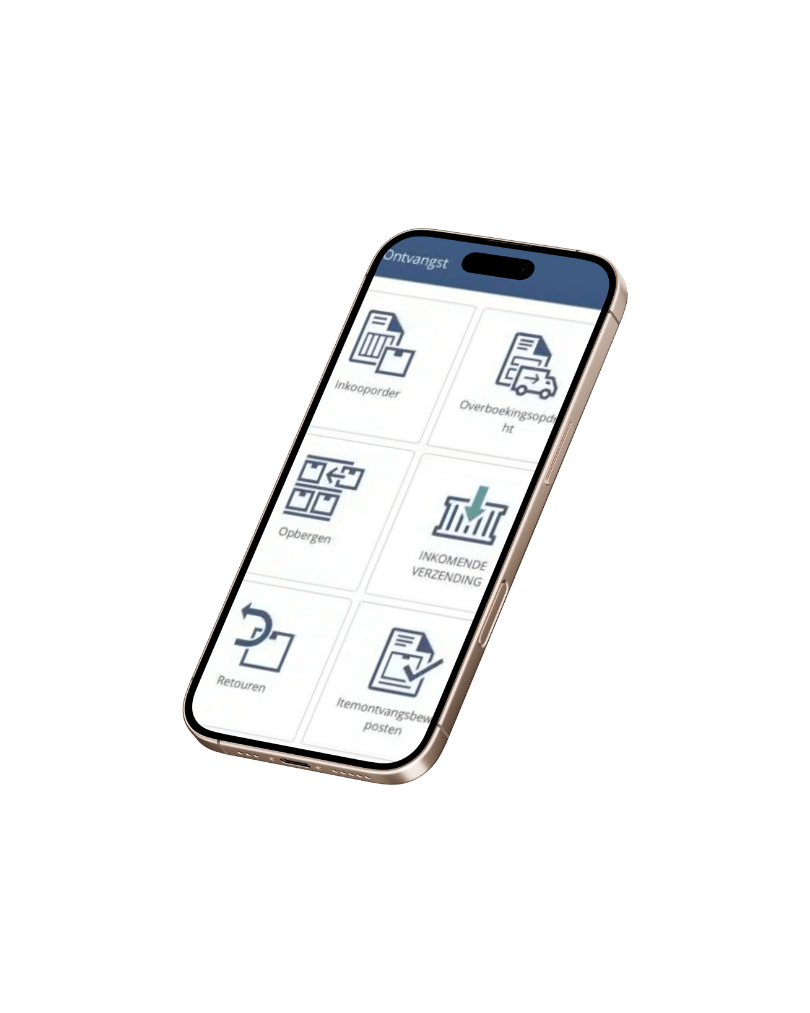
For many organizations that source their products overseas, keeping track of containers centrally is a challenge. Up-to-date container information is relevant to both employees and customers. Questions such as "What goods are in which container and which orders do they belong to?" and "When can we expect the goods and how will this affect sales orders?" are not always easy to answer.

"When can we expect goods and how does this affect sales orders?"
In practice, we see that this process is often tracked outside the ERP. Purchasing managers or supply chain managers keep track of container status as best they can in homemade spreadsheets. In other cases, an add-on or even customization is deployed. Managing inbound shipments (Inbound shipments) is a standard functionality of NetSuite. The Inbound Shipments functionality allows companies to track items from one or more purchase orders while they are in transit. It is the link between purchase orders, receiving and invoicing. And best of all? It is easy to activate and there is no additional cost.

Containers can be easily captured in NetSuite (open on separate tab to enlarge)
Keep track of container content centrally
Creating an Inbound Shipment is quick and easy. With a few clicks, you determine which supplier's (open) purchase orders are in the container. A purchase order can of course be distributed over several containers. The container document allows you to record things such as the external document number, Bill of Lading and Vessel number. Per container you keep track of the status and the expected and actual departure and receipt dates. So you and your colleagues know exactly what the planning is for the incoming containers. It will also be a piece of cake to share this data through a mailing, customer portal or web shop.
Incoterms
The agreed incoterms with the supplier(s) determine the moment of ownership of the goods. This is not always equal to the time of physical receipt of the goods in the warehouse. Sometimes you only have ownership when the goods are physically received in your warehouse (DAP), in other cases you have to record them as stock when they leave the supplier's warehouse (Ex Works). In NetSuite, it is possible to take ownership of goods before the goods have been physically received. In doing so, the system records the inventory on the balance sheet.
Easily receive goods
When a container arrives at the warehouse, you can quickly receive it with NetSuite WMS. You then choose to receive an inbound shipment. So you don't have to record receipts per purchase order. This saves a lot of searching and therefore goes a lot faster. The logistics department knows exactly how many containers to expect and can adjust the planning accordingly.


Easily process (advance) payments
Keeping track of payments on containers is often a major challenge. Depending on the agreements made, many cases require (partial) prepayment. In NetSuite, you can easily create these invoices or prepayments from the purchase order or container document. Because the orders, containers, receipts, invoices and payments are reconciled, you can eliminate any errors in no time!
Accurate margin calculation
Importing containers often involves additional costs. Think of transportation costs, customs fees and insurance costs. It can then certainly pay off to include these costs in the cost price of the goods. This makes it clear to everyone in the organization what the actual costs are and you have a better margin calculation when making calculations and quotations.
"Get a complete picture of costs and accrued margin with landed costs."
Tracking container data also provides valuable insights. For example, you can easily set reminders based on a variety of criteria. For example, consider a reminder when the ETA is approaching. In addition, NetSuite's analytical features allow you to view incoming shipments from different angles. With the push of a button, you share this information with your colleagues.

Always up-to-date insight with one of the many reporting options (open on separate tab to enlarge)

Keep a grip on your inbound containers with NetSuite Inbound Shipments.
Kryptonstraat 9
7463 PB Rijssen
All Rights Reserved © 2026