At a time when e-commerce is booming and market demand is erratic, inventory management is quite a challenge for many trading companies. After all, your customers expect nothing less than fast and accurate delivery. If you have to sell "no," your customer will order from someone else before you know it. To reduce inventory management costs and make warehouse processes sell more efficiently, many trading and manufacturing companies are expanding their ERP system to include a warehouse management system (WMS). What does such a WMS add to your ERP system and what are the options for this?


Warehouse management is an umbrella term for all the processes involved in running, directing and managing a warehouse. This can range from things like warehouse layout and managing employees to daily activities such as receiving and managing inventory, handling orders and directing carriers. Warehouse management helps to optimize and integrate these warehouse processes to make them as productive and efficient as possible. In addition, warehouse management allows you to reduce errors and make results transparent and measurable.
The difference between Warehouse Management and Inventory Management
Warehouse management can be seen as a complement to Inventory Management. First, inventory management ensures that the required goods are in the warehouse at the right time. In particular, you look at inventory values, stock levels and trends across warehouses. Based on these analyses, you can optimize inventory levels of materials and products. The goal of inventory management is to save space and money while still meeting customer demand.
Warehouse management focuses on designing, organizing and practically controlling and managing a warehouse. Complementary to inventory management, warehouse management regulates issues such as warehouse organization and design, order processing, process monitoring and reporting, task management, and scheduling of people and resources to optimize the handling of logistics processes.
A warehouse management system can provide real-time insight into every aspect of your warehouse operations; from the location of each item to the number of employees in the packing department. A WMS helps manage and optimize warehouse processes, such as personnel planning or picking production orders and sales orders. The system can organize all these steps more efficiently. For most companies, this saves a lot of time and money, since the logistics process is a major expense.
Warehouse management systems can be used to control the entire process within your warehouse. These are the main activities:
Better management of warehouse, inventory and staff scheduling helps minimize waste and cut costs.
From receiving inventory to picking, packing and shipping, a WMS uses data to identify bottlenecks and other problems.
With a simple, efficient method of storage, picking and packing, you increase the accuracy of order processing and the time your people need to do this in the warehouse.
Track inventory with lot and batch numbers so you can see exactly where materials and items are in the supply chain.
Coordinate the inbound and outbound flow of goods with suppliers, carriers and customers so that orders are received and shipped as efficiently as possible.
Respond faster to changes in order volume, seasonal effects or unexpected disruptions.
In practice, we see 3 types of warehouse management systems:
Standalone on-premise WMS
A standalone on-premise WMS often provides warehouse management functionality and supports things like inventory management, order fulfillment and transportation. With on-premise WMS, you have to handle IT management yourself. This includes application maintenance, software upgrades and resolving any IT-related issues. Compared to other types, implementation of an on-premise WMS often takes longer because it requires complex integrations with existing business software.
Cloud WMS
Cloud WMS are Web-based SaaS solutions. Here, users work with the software hosted by the vendor or manufacturer via the Web browser. The advantage is that you don't have to worry about IT management. Also, implementation is often faster because cloud WMS solutions are generally easier to configure. Cloud WMS generally integrates well with cloud ERP systems and other technical solutions.
WMS modules within ERP systems
A WMS ERP module is fully integrated with an ERP solution, which also includes modules for other business activities such as accounting, CRM, sales and inventory management. In this situation, all data (including WMS data) is stored in one shared database, so everyone in the organization always has access to the same, up-to-date information. NetSuite and its WMS module are an example of this.
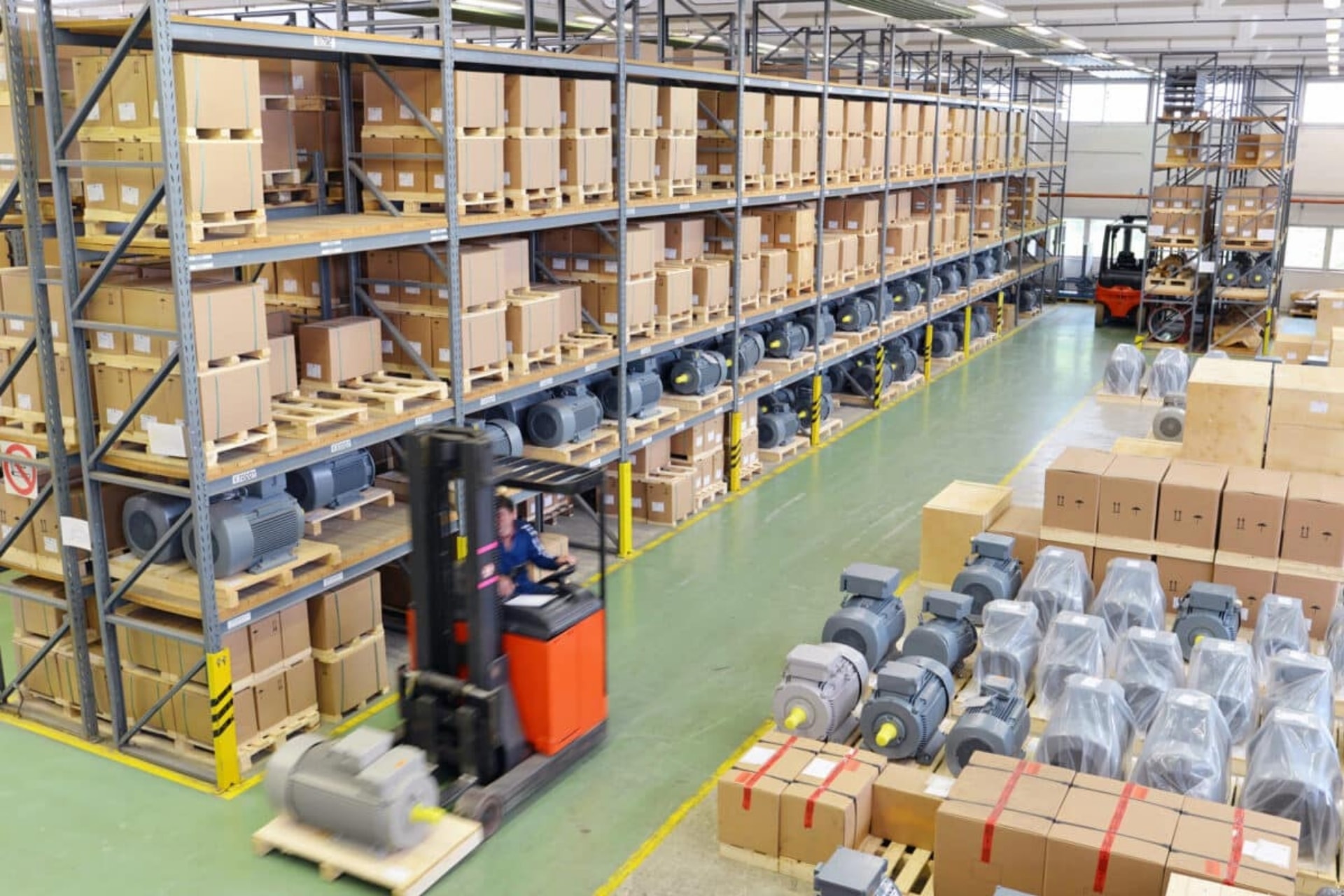

As you can see, a WMS offers extensive possibilities to optimize the overall process in your warehouse(s), improve your business results and ensure that customers receive the right products on time. But which WMS is the best fit for your organization? We give 5 tips:

As you've read in this blog, NetSuite offers a WMS module as part of ERP. Both solutions fully integrated and because it is a cloud solution, you no longer have to worry about your IT. If you want to know more about this, contact us or look further on the WMS page.
After reading this blog, do you feel the need to talk to us about WMS, ERP or its selection? Then get in touch with us. We have extensive experience in the field of ERP and WMS and would love to hear how we can help you further.
Kryptonstraat 9
7463 PB Rijssen
All Rights Reserved © 2026