NetSuite integration with vPlan

Pair NetSuite's robust data with vPlan's flexible scheduling. Synchronize orders, resources and progress in real time for maximum control of your operation.

Werkorders
Hours
Routing
Materials
Resources
Medewerkers
Verkooporders
  • Work orders directly from sales orders
  • Progress visible in NetSuite in real time
  • Plan on current inventory and orders
The Workflow: From Order to Delivery

With the link between NetSuite and vPlan, you streamline the entire process without manual intervention. Fortiqo integration creates a closed loop between the office and the shop floor.

  • Step 1: Order input into NetSuite
    Once a sales or work order is created in NetSuite, it is pushed directly to the "backlog" in vPlan via the API. No more overgetyp, no more errors.
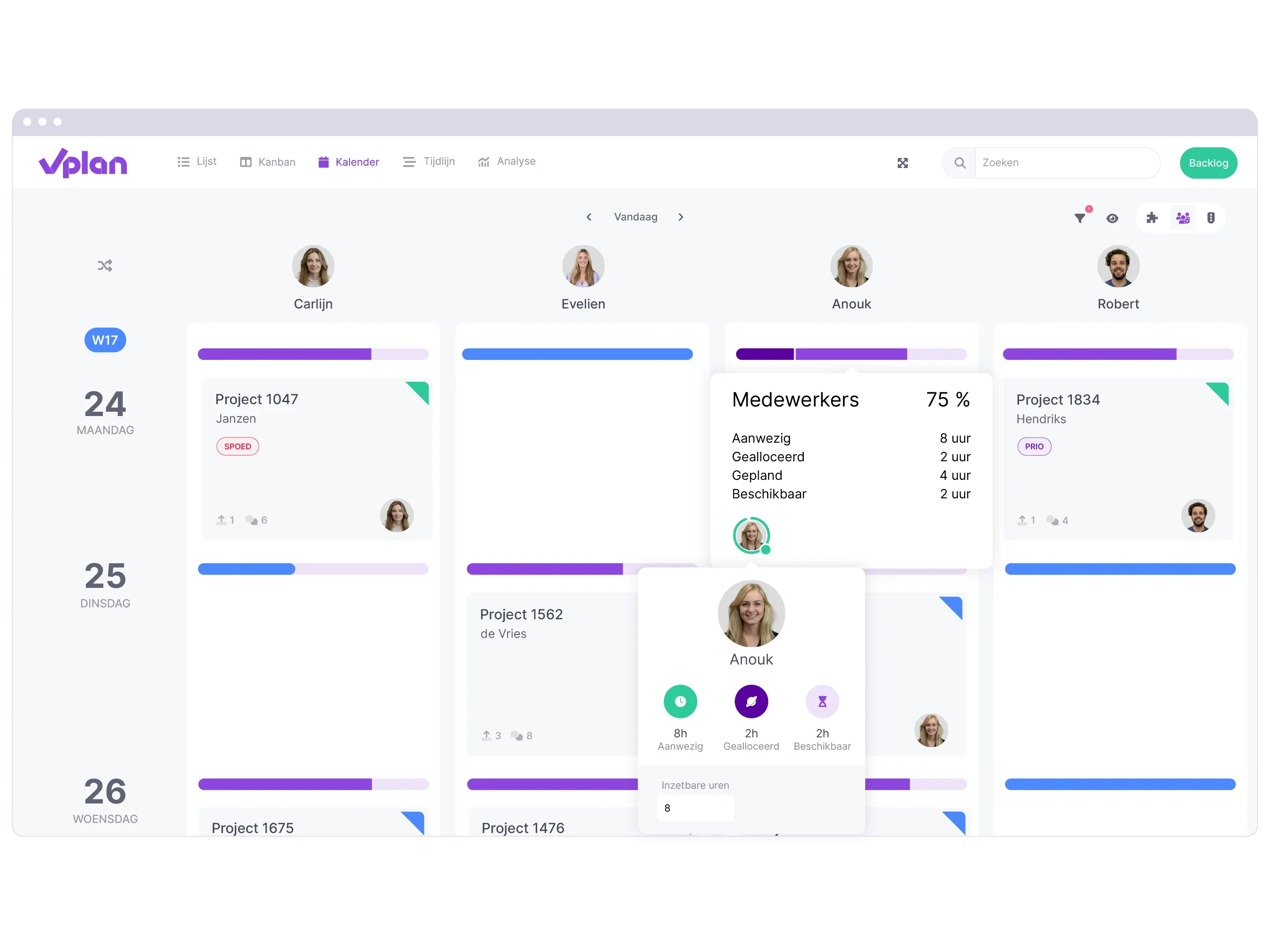
  • Step 2: Visual scheduling
    The scheduler sees the order appear immediately and assigns it to the correct employee, machine or workstation via drag-and-drop.
  • Step 3: Real-time Processing
    Once an employee in vPlan starts or reports a task finished, the status in the NetSuite work order is immediately updated.
  • Step 4: Financial Settlement
    Recorded hours and consumed materials are fed back from the schedule for razor-sharp post-calculation in NetSuite.
App 1
Calendar 2 nl
What do we synchronize between NetSuite and vPlan?
CJM22099
Jaco de NooijTechnical Director

From NetSuite to vPlan (The basis for your planning)

  • Work Orders & Production Orders: All the details on what needs to be made, including customer specifications.
  • Resources & Employees: The current availability of your team and machinery.
  • Item Data & Materials: Instant insight into the parts needed for execution.
  • Delivery Dates & Priorities: Hard deadlines from the customer order control the order on the planning board.

From vPlan to NetSuite (Instant feedback to the office)

  • Status Updates: Real-time visibility into whether a task has been started, paused or completed.
  • Time tracking: Direct linking of time worked to the correct project or order.
  • Material consumption: Feedback of actual consumption for an automatic inventory update.
  • Ready notification: An automatic trigger for the next step in your logistics process or invoicing.

Ready for flawless planning?

Our consultants will be happy to show you how this integration speeds up your process.

Collaboration 2

Frequently asked questions about the vPlan integration

TwitterFacebookLinkedInYouTube

All Rights Reserved © 2026

    NetSuite integration with vPlan | Fortiqo (EN)